
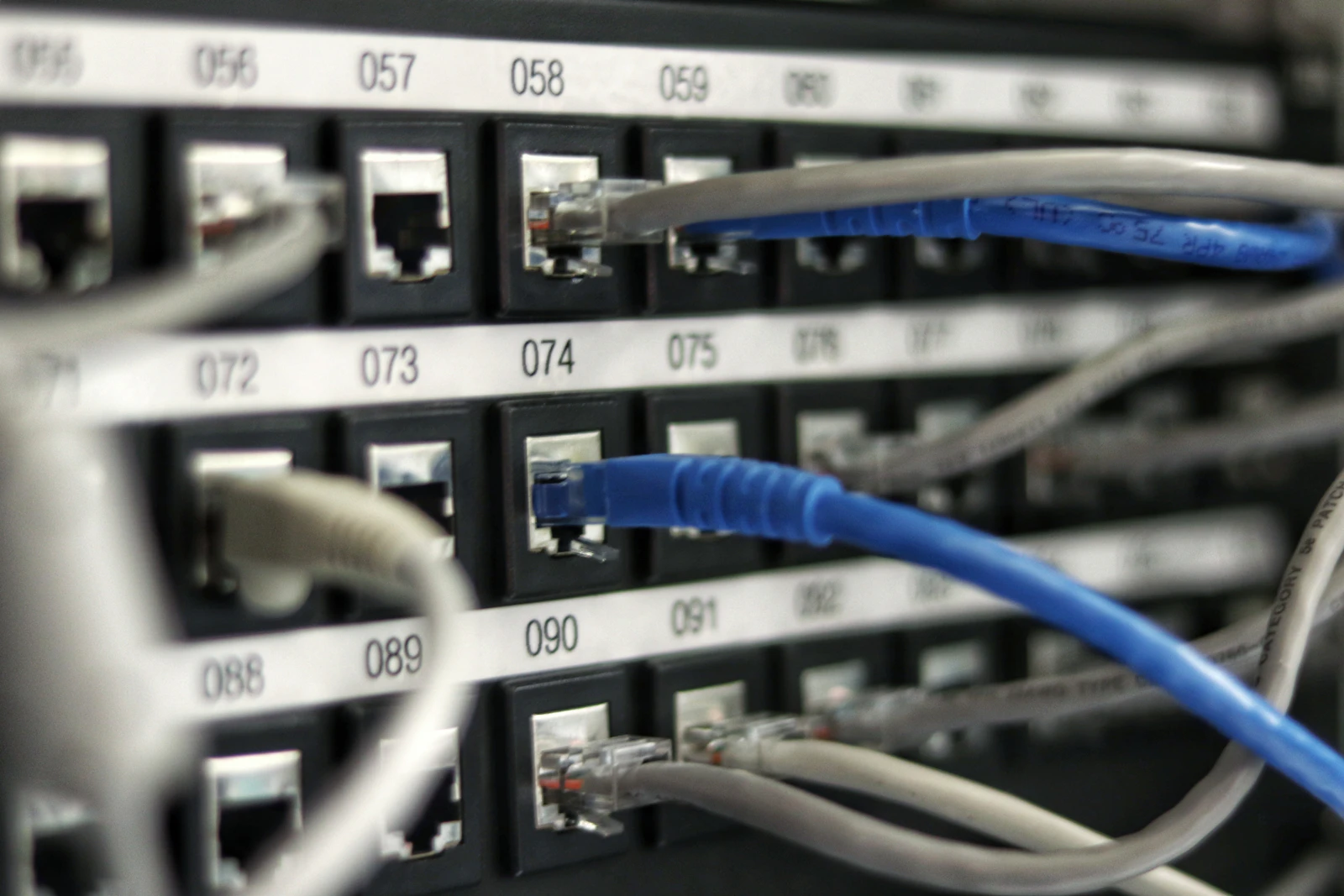
Residential Data Cabling and Home Network Installation in Newcastle
Netlink installs reliable residential data cabling for homes across Newcastle, Lake Macquarie and the Hunter. Our ACMA-registered cablers install Cat6 and Cat6A outlets, NTD-to-router connections, wired Wi-Fi access points, home-office connections, patch panels and cabling for televisions, gaming systems, security cameras and smart-home equipment.
Every home is different. We assess the internet connection, router location, Wi-Fi coverage, construction type and devices that need dependable connectivity before recommending suitable cable routes, outlet positions and network equipment. Properly installed Ethernet can improve reliability and reduce internal-network limitations, Wi-Fi interference and congestion — it does not increase the internet speed delivered by your provider.
Reliable home data cabling designed around how your household connects.
Only work Netlink genuinely provides — installed by ACMA-registered cablers, tested and labelled before handover.
- Cat6 and Cat6A data outlets
- Single and double Ethernet outlets
- NTD-to-router Ethernet cabling
- Router relocation through customer-side cabling
- Home-office network connections
- Gaming and media-room outlets
- Smart-TV and streaming-device connections
- Wired Wi-Fi access points
- Wired backhaul for compatible mesh Wi-Fi systems
- Network cabling for CCTV, intercoms and smart-home equipment
- Patch panels and small residential communications cabinets
- New-build prewiring
- Renovation and retrofit cabling
- Existing data outlet testing
- Damaged customer cabling repair or replacement
- Connections to garages, workshops, sheds and granny flats
- Labelling, testing and relevant cabling documentation
When does a home need data cabling?
Not every Wi-Fi problem is a cabling problem — equipment quality, interference, router settings, the internet service, building materials and connected devices all play a part. That said, these are the situations where structured cabling usually makes the biggest difference:
- Unreliable Wi-Fi in distant rooms
- A home office requiring a dependable connection
- Gaming latency or instability caused by wireless conditions
- Smart TVs or streaming devices needing stable connectivity
- A router or NBN Connection Box located away from the preferred network position
- Mesh Wi-Fi nodes operating without wired backhaul
- A new renovation or home extension
- Connecting a granny flat, garage or detached workspace
- Installing networked security cameras, intercoms or access points
- Creating a central location for network equipment
Wired Ethernet, Wi-Fi and mesh — how they work together
Wired and wireless networks are complementary, not mutually exclusive. The best home networks use each where it belongs.
| Connection | Best suited to | Main consideration |
|---|---|---|
| Wired Ethernet | Computers, TVs, gaming systems, NVRs and fixed devices | Requires a permanent cable route but provides a stable local connection |
| Wi-Fi | Phones, tablets, laptops and mobile devices | Performance is affected by distance, walls, interference and access-point placement |
| Mesh Wi-Fi | Extending coverage across larger homes | Performance is usually better when compatible mesh nodes use wired backhaul |
| Wired access points | Large, multi-storey or difficult-to-cover homes | Requires cabling to planned wall or ceiling positions |
Cat6 versus Cat6A at home
- Cat6 is suitable for many residential home-network installations.
- Cat6A may suit certain higher-performance, longer-term or interference-sensitive installations.
- Cat6A cable is larger and may require more careful pathway, bend-radius, outlet and termination planning.
- Performance depends on the complete installed channel — cable, connectors, terminations, distances and connected equipment.
- The appropriate choice depends on the required performance, cable route, network equipment and budget.
Cat7 and Cat8 are not routine residential recommendations. No cable grade should be described as permanently "future-proof" — the point is a well-installed channel that supports current devices and reasonable future upgrades.
Improving household Wi-Fi through cabling
Structured cabling supports Wi-Fi rather than replacing it. Common improvements include:
- Better router positioning
- Ceiling-mounted or wall-mounted Wi-Fi access points
- Wired mesh backhaul
- Multiple access points in larger homes
- Coverage to outdoor entertaining areas
- Connections to garages, sheds or detached rooms
- Reduced reliance on basic wireless extenders
Cabling alone does not guarantee full Wi-Fi coverage. Access-point selection, quantity, placement, radio conditions, configuration and the building structure also matter.
NBN and Starlink connections
Residential data cabling distributes the internet connection from a central device out to each room. That central device might be:
- An FTTP NTD (NBN Connection Box)
- An FTTN, FTTB, FTTC or HFC modem/router
- A Starlink router or compatible Ethernet connection
- A central router, firewall or network switch
NBN fault diagnosis is handled on the NBN wiring page; Starlink dish mounting and cable entry is covered on the Starlink installation page. Netlink only performs customer-side cabling — we do not move, disconnect or alter carrier-owned or NBN-owned equipment outside what applicable requirements permit.
Home offices, gaming and entertainment
Common residential cabling applications include:
- Desktop computers and docking stations
- Video conferencing
- Network printers
- Gaming consoles and PCs
- Smart televisions
- Streaming devices
- Network-attached storage
- Home servers
- Media rooms
- VoIP equipment
Gaming latency, video-call quality and download speed also depend on the internet service, provider network, equipment and remote services — cabling improves the local link but cannot guarantee performance for services beyond the home.
New homes and renovations
The cheapest time to run data cabling is before the walls and ceilings are closed. A pre-wire plan usually covers:
- Home offices
- Bedrooms
- Television locations
- Gaming areas
- Wi-Fi access points
- Security cameras
- Video doorbells and intercoms
- Solar or battery network gateways
- Garages and workshops
- Outdoor entertaining areas
- A central communications location
- Spare pathways for reasonable future changes
We encourage homeowners, builders and electricians to coordinate outlet, equipment, pathway and power requirements early. Electrical contractors should only perform telecommunications cabling if they also hold the required cabling registration or work under appropriate supervision.
Existing-home retrofit cabling
Retrofitting cable into an existing home depends on the construction and available access:
- Roof access
- Underfloor access
- Wall cavities
- Insulation
- Brick, concrete or lightweight construction
- Fire-rated walls
- Multiple storeys
- Existing conduits
- Safe access
- Concealed obstacles
- The condition of existing cabling
Fully concealed cabling is not always possible at every property. Where concealed routes are impractical, alternatives may include surface conduit, ducting or revised outlet positions — always confirmed with the customer first.
Granny flats, sheds and detached buildings
Options for connecting a second building on the same property:
- Cat6 or Cat6A where distances are within the structured-cabling channel
- Fibre between separate buildings where distance, electrical separation or environmental conditions make it preferable
- Underground conduit and suitable pathways
- Local network switches in the second building
- Wi-Fi access points to extend coverage
- Surge and electrical-separation considerations
- Planning for separately metered or separately addressed premises
For longer inter-building runs Netlink can also provide fibre splicing & testing. Where the detached area is used for business purposes, see commercial cabling. One residential internet service cannot automatically be shared with a separately addressed or independently occupied property — customers may need to check their internet provider's terms.
Patch panels, switches and home communications cabinets
A small, well-placed home communications location can make a large home network much easier to live with. Typical uses:
- Terminating several data outlets on a patch panel
- Housing a network switch
- Locating the router and supporting equipment
- Organising CCTV or smart-home connections
- Labelling and simplifying future troubleshooting
Ventilation, available space, equipment dimensions, power access and future service access should be considered before choosing the location.
How we deliver residential data cabling.
Every installed outlet is tested, labelled and demonstrated before handover. Formal channel certification with dedicated test equipment is available on request and quoted separately.
Factors affecting cost
Pricing depends on the following — rather than a single per-outlet rate that would not match many homes:
- Number of outlets
- Single or double outlets
- Cable type
- Cable-route length
- Single-storey or multi-storey construction
- Roof and underfloor access
- Wall-cavity access
- Insulation
- Brick, concrete or fire-rated construction
- Installation height
- Patch-panel or cabinet requirements
- Network-switch or access-point requirements
- Trenching and conduit
- Detached buildings
- Existing cabling condition
- Testing or documentation requirements
- Regional travel
Send us photos, plans and outlet requirements for an initial assessment. A site visit may be required before final pricing. Many straightforward installations can be completed in one visit; timing depends on access, cable routes and the number of outlets.
Reliable home data cabling designed around how your household connects.
Residential telecommunications cabling is performed or supervised by an appropriately registered cabler. Relevant completed work is tested and documented in accordance with applicable cabling requirements. Netlink does not alter carrier-owned or NBN-owned cabling outside what the applicable requirements permit.
Anonymised project examples — coming soon
Netlink is compiling a small set of anonymised recent residential data-cabling jobs — general service area, property type, customer requirement, cabling solution, testing performed and completed outcome. Verified examples will be added here as they become available. No customer names or full addresses will ever be published.
Where Netlink installs residential data cabling
Netlink installs home data cabling across Newcastle, Lake Macquarie, Maitland, Cessnock, Port Stephens, Dungog, Singleton, Muswellbrook and the wider Hunter region.
Book a related service on the same visit
Bridge-tap removal, socket relocation and NTD-to-router cabling.
Roof, wall or pole-mounted Starlink with weather-sealed cable entry.
Free-to-air antenna installs, extra TV points and signal repair.
Residential data cabling FAQs
What is residential data cabling?
Residential data cabling is the fixed Ethernet cabling inside a home — typically Cat6 or Cat6A — that connects a router, network switch or NBN Connection Box to wall outlets in each room. It supports computers, TVs, gaming systems, wired Wi-Fi access points, CCTV, intercoms and smart-home devices.
Is Ethernet better than Wi-Fi?
Ethernet and Wi-Fi are complementary rather than competing. Wired Ethernet is more reliable and predictable for fixed devices like computers, TVs, consoles and NVRs. Wi-Fi is essential for phones, tablets and moving devices. Most homes use both, and a good wired backbone often makes Wi-Fi perform better as well.
Should I install Cat6 or Cat6A at home?
Cat6 is suitable for many residential installs. Cat6A may suit longer runs, higher-performance devices or installs expected to remain in service for many years. Cat6A cable is larger and needs more careful pathway and termination planning. The right choice depends on the runs, equipment and budget — we advise on-site.
Can Netlink install an Ethernet outlet in another room?
Yes. In most homes we can run a new Cat6 cable from the router or NBN Connection Box to a wall outlet in another room, through the roof space, wall cavities or underfloor. The path we can use depends on the home's construction and available access.
Can data cabling improve my home Wi-Fi?
It often can. Adding a wired Wi-Fi access point in the right position, or wiring a mesh Wi-Fi node so it uses wired backhaul, typically improves coverage and stability in areas that struggle. Cabling alone does not guarantee full coverage — access-point selection, quantity, placement, configuration and the building structure also matter.
What is wired mesh backhaul?
Wired backhaul is a Cat6 cable between mesh Wi-Fi nodes instead of relying on the nodes talking to each other over Wi-Fi. Where the mesh system supports it, this usually improves speed and stability throughout the home.
Can you connect my NBN NTD to a router in another room?
Yes. Running a Cat6 cable from the NBN Connection Box to a preferred router location in another room is one of the most common residential jobs. It avoids having the router stuck in the corner of the garage or laundry.
Can you install data cabling for a home office or gaming room?
Yes. We install dedicated Ethernet outlets for desktop computers, gaming consoles, media rooms, docking stations, video-conferencing setups and network printers. Video-call and gaming performance also depend on the internet service, provider network and remote services.
Can you connect a granny flat, shed or detached garage?
Often yes. Options include Cat6 or Cat6A where distances are moderate, or fibre between separate buildings for longer runs and electrical isolation. Underground conduit, surge and electrical separation, and Wi-Fi coverage in the second building all form part of the design. Provider terms should be checked before sharing an internet service between separately addressed premises.
Can existing data cabling be tested or repaired?
Yes. We can test existing residential data outlets, identify damaged runs and re-terminate or replace cabling where required.
Does residential data cabling require an ACMA-registered cabler?
Yes. Any cabling connected to the telecommunications network must be installed or supervised by an appropriately registered cabler. Netlink's cablers hold ACMA registration with Structured Cabling and Optical-Fibre competencies.
How much does residential data cabling cost?
Pricing depends on the number of outlets, single vs double outlets, cable type, cable-route length, construction, roof and underfloor access, insulation, installation height, patch-panel / cabinet / switch / access-point requirements, trenching and conduit, detached buildings, existing-cabling condition, testing and documentation requirements and regional travel. Send us photos, plans and outlet requirements for an initial assessment — a site visit may be required before final pricing.
How long does installation take?
Many straightforward installations can be completed in one visit. Timing depends on access, cable routes and the number of outlets — larger multi-room or two-storey installs may take longer.
Which areas does Netlink service?
Newcastle, Lake Macquarie, Maitland, Cessnock, Port Stephens, Dungog, Singleton, Muswellbrook and the wider Hunter region.
Request a tailored home data cabling quote
Serving Newcastle, Lake Macquarie, Maitland, Cessnock, Port Stephens and the wider Hunter region.